Goku
| Author: |
Takashi-kun |
| Release: |
"Micom Basic Magazine" Feb. 1986 Issue |
| Japanese title name: |
"悟空" |
Note:
Correct the author's typo.
Each checksum is as follows (using version 3.1 coded by the "MSX•FAN" team).
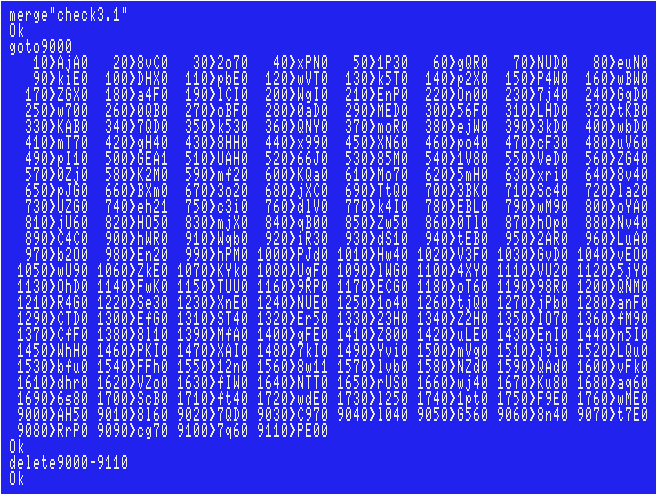
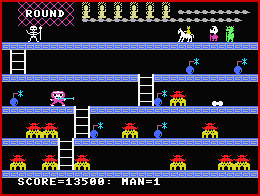 Sorry if there are any typos, however, I tested my data, including the ending, and had no problems.
 For disk users:
The 1st disk's work area will be broken after run this program.
If you want to correct the line(s) after you got error(s), reset your MSX and load the code again,
then correct the line(s) and save before run the game.
Joystick support:
"STICK(0)" is found in the line #590. The quickest way is to simply replace each "0" with "1".In addition, modify the code as below.

Himitsu no Kimi-chan
| Author: |
Toshiharu Fuji |
| Release: |
"Micom Basic Magazine" Nov. 1986 Issue |
| Program length: |
13 screens |
| Japanese title name: |
"ひみつのきみちゃん" |
Each checksum is as follows (using version 3.1 coded by the "MSX•FAN" team).
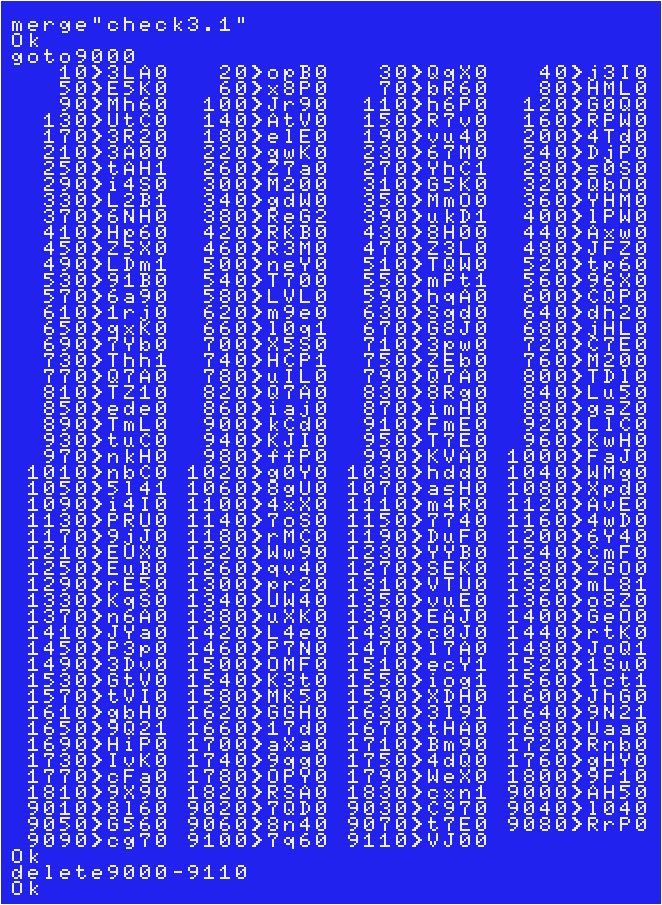
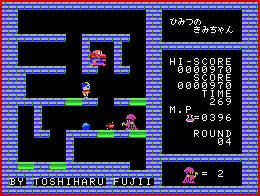 Sorry if there are any typos, however, I tested my data, including all levels, and had no problems.
 For disk users:
The 1st disk's work area will be broken after run this program.
If you want to correct the line(s) after you got error(s), reset your MSX and load the code again,
then correct the line(s) and save before run the game.
Joystick support:
"STICK(0)" is found in the line #240."STRIG(0)" is found in the lines #100 and #1300. The quickest way is to simply replace each "0" with "1".
In addition, you can select your magic by Trigger 2 instead of Return key after modified the line 90 as below.

Mikie no Ken
| Author: |
Mitsuru Yasuda |
| Release: |
"Micom Basic Magazine" Jan. 1986 Issue |
| Japanese title name: |
"弥姫絵の剣" |
The 1st file named "MIKIE1.BAS":

This game is originally for tape. The line #10 had "CLOAD" command, that was only for tape.
"Play button" in the line #70 meant playing the tape in a tape deck.
My suggestion:

If you modify these lines as shown above, the second file will be read automatically and you don't press F1 key any more.
Each checksum will change as follows. (Use version 3.1 coded by the "MSX•FAN" team)
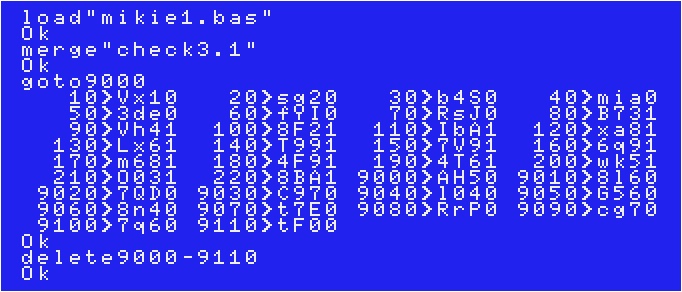
The 2nd file named "MIKIE2.BAS":
Each checksum is as follows (using version 3.1 coded by the "MSX•FAN" team).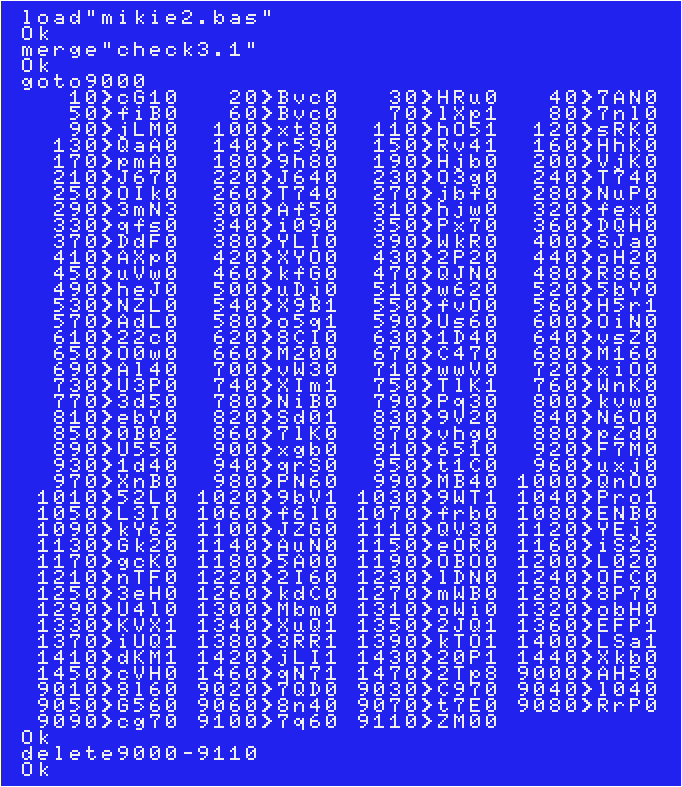
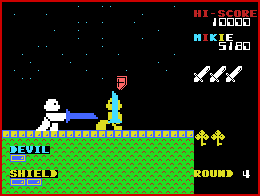 Sorry if there are any typos, however, I tested my data, including the ending, and had no problems.
 To load the game, load the 1st file.
Joystick support:
"STICK(0)" is found in the lines #30, #110, #150, #190 and #1090 of the 2nd file."STRIG(0)" is also found in the lines #30, #110, #150, #190 and #1090 of the 2nd file.
The quickest way is to simply replace each "0" with "1".
For CD32 users:
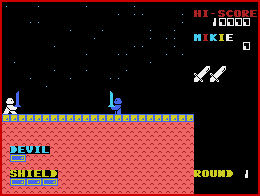
AmiMSX is unable to "enlarge sprite", so the player, enemies, and swords will appear to be floating in mid-air.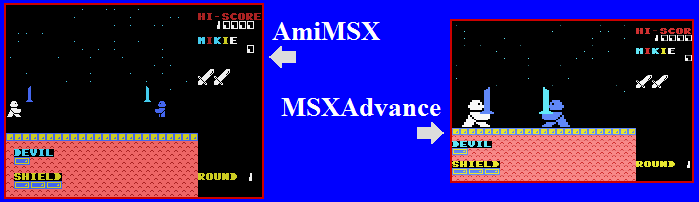
First of all, to fix the player and enemies appearing to float in the air, simply raise the height of the floor.
Modify lines of the 2nd file as following.

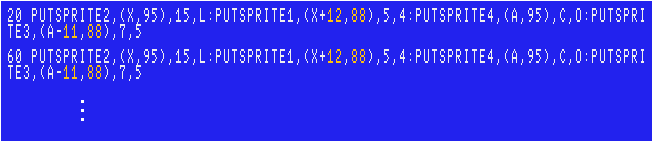
About swords, you have to modify X and Y coordinates sprite #1 & #3, however,
you have to modify the lines #20, #60, #70, #80...and much more lines of the 2nd file as below!
 |
I don't know if you'll be that motivated, though. |
Secrets:
According to the line #580 of the 2nd file, you will get the secret bonus ( 1777 points and an extra life )if you die at an X coordinate of "8" while an extra life appears.
The location is directly above the letter "EV" in "DEVIL"!
Once you get the secret bonus, you can't get it again due to "v=1" in the line #580.
According to the line #1090 of the 2nd file, There is "secret EASY mode" that allows you have 8 shields from the start.
When your last score is between 300 and 500, press up arrow key (or D-pad "up") 12 times at the title screen.
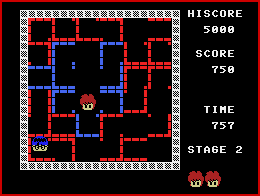
The castle of Udo
| Author: |
K.Ishida |
| Release: |
"Micom Basic Magazine" Oct. 1986 Issue |
| Program length: |
9 screens |
Each checksum is as follows (using version 3.1 coded by the "MSX•FAN" team).
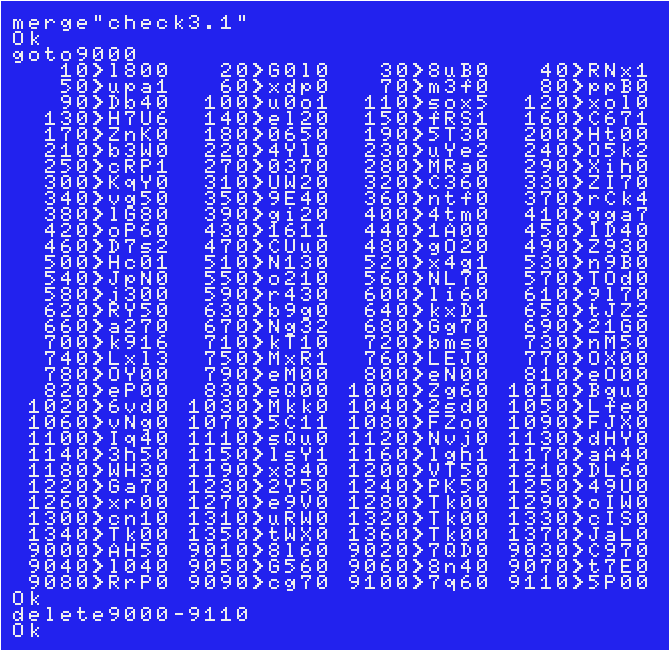
 Sorry if there are any typos, however, I tested my data and had no problems.
 Joystick support:
"STICK(0)" is found in the line #150."STRIG(0)" is found in the lines #40 and #380. The quickest way is to simply replace each "0" with "1".
Ultraman
| Author: |
Toshiharu Fuji |
| Release: |
"Micom Basic Magazine" Dec. 1986 Issue |
| Program length: |
10 screens |
| Japanese title name: |
"ウルトラマン" |
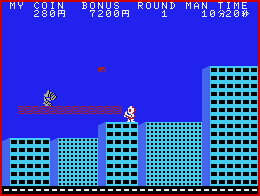
Issue: Ultraman didn't appear on the screen from the time you started the game until the first time you controlled him. Add this line.

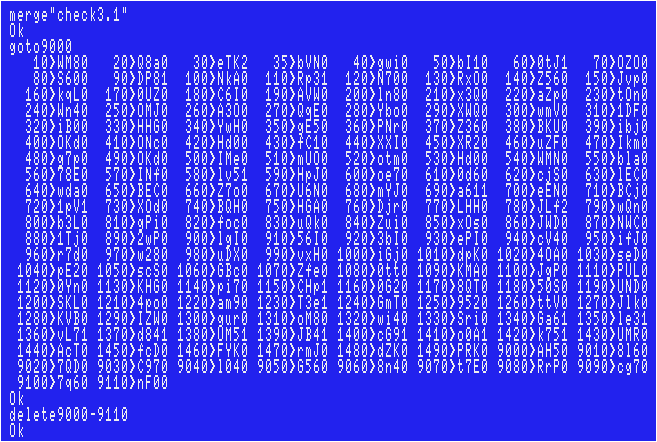
Each checksum is as follows (using version 3.1 coded by the "MSX•FAN" team).
 Sorry if there are any typos, however, I tested my data and had no problems.
 For disk users:
The 1st disk's work area will be broken after run this program.
If you want to correct the line(s) after you got error(s), reset your MSX and load the code again,
then correct the line(s) and save before run the game.
For Amiga CD32 + FDD users:
When your CPU is 020, the game speed is sluggish, but the time progress is not so slow, resulting in running out of time.The way to deal with this issue is to change the time limit for each level.
Change the value of the variable "IT" in the line #130 to a larger number.

>>Return to the "Type-in MSX programs" page